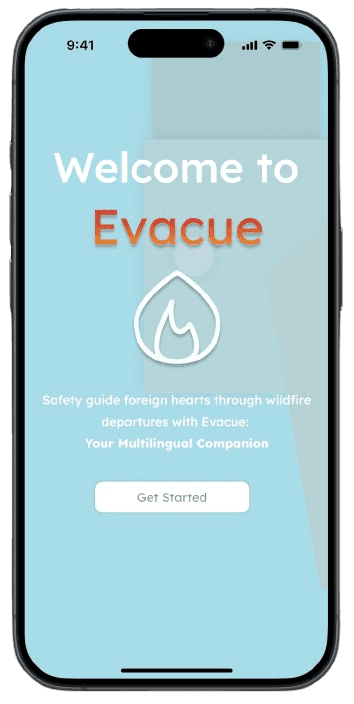
Evacue App Mockup
Personal Project

Role
UI/UX Designer
User Researcher
Tools
Figma
FigJam
Duration
4 months
Overview
Being new to a country is challenging enough, but experiencing a wildfire evacuation can be even more confusing for someone unfamiliar with handling emergency situations, especially wildfires.
UX Research
Background
Evacue is an end-to-end app designed to assist users during a wildfire evacuation in their area. I was inspired to start this project after my family and friends experienced the Fort McMurray Wildfire in 2016. This devastating event forced everyone in our town to evacuate within two days, leaving us uncertain if we would return to find our homes still standing.
Methodologies
Competitive Analysis
User Interviews
User Interviews
Pain Points
Insight
Description
Information Overload
Users struggled to find reliable updates among overwhelming and scattered sources like news and social media.
Unclear Routes
Many didn't know which roads were open or safe, adding to panic during evacuation.
Packing Stress
Evacuees were unsure what to bring; important documents, medications, and essentials were often forgotten.
Emotional Toll
People felt unsupported, rushed, and emotionally overwhelmed, especially when leaving pets or uncertain about their home’s safety.
Users Needed Most
Real-time, location-specific updates
Clear, visual evacuation instructions
One-tap emergency contact access
Essential checklists for both before and during an evacuation
Centralized information to reduce confusion
These findings became the foundation for Evacue’s features and user flow, helping ensure the app is not only useful, but calming and intuitive in high-stress situations.
Competitive Analysis
To better understand the existing landscape, I analyzed several wildfire-related applications, including FRONTLINE Wildfire Tracker and AB Wildfire Status. These apps tend to focus heavily on data visualization for active fire zones and general alerts for residents.
While they serve an important purpose, I noticed several key gaps, especially for individuals unfamiliar with emergency protocols:

Overly technical language and lack of onboarding make these apps intimidating for first-time users.
Limited step-by-step evacuation guidance, checklists, or emotional support features.
Few apps offered localized, real-time updates in a user-friendly format.
This analysis highlighted an opportunity for Evacue to stand out by prioritizing:

Clear, guided evacuation flows
Simplified emergency language for diverse users
Real-time updates paired with practical resources (shelter maps and emergency contacts)
These findings became the foundation for Evacue’s features and user flow, helping ensure the app is not only useful, but calming and intuitive in high-stress situations.
Ideation
Typography helped shape the visual structure, guiding my choice of fonts and colours to create a cohesive aesthetic.
Lexend
Aa
Heading 1
Large / 55 px
Heading 2
Medium / 32 px
Heading 3
Medium / 18 px
Heading 4
Medium / 14 px
#A9DBE9
#ABCBCF
#CB3835
#E98429
#808080
#FFFFFF
#000000
Wireframes
Some wireframes that were created in the beginning stages


Usability Testing
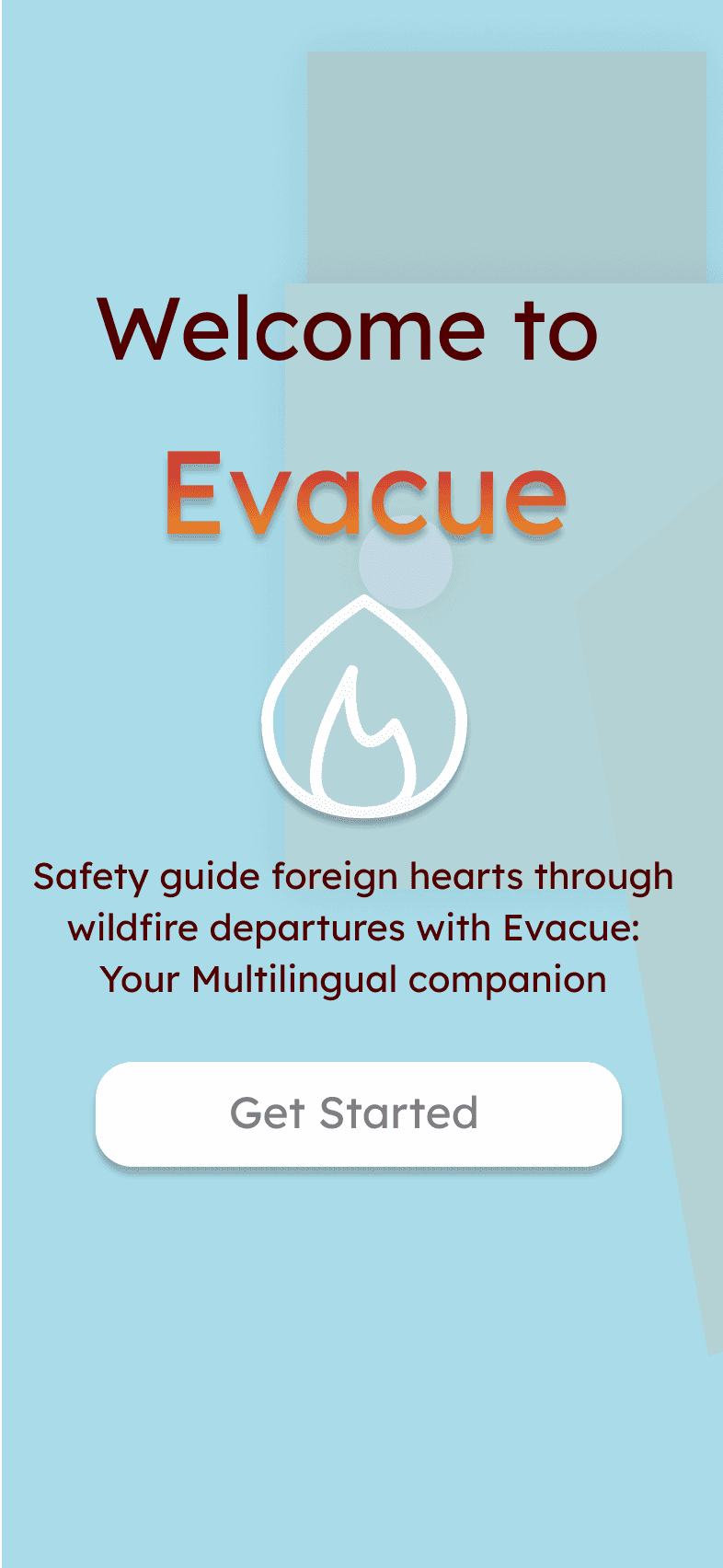
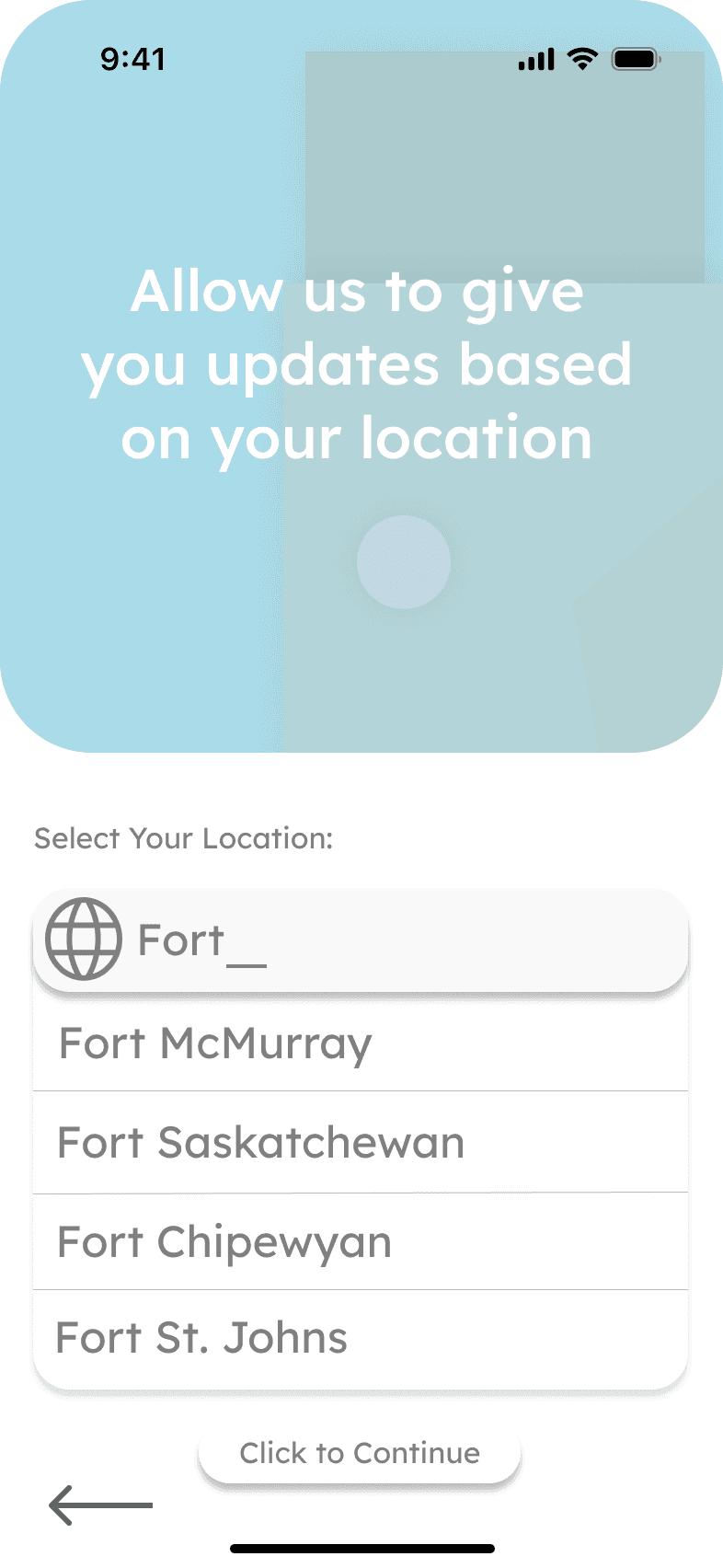
Initial Designs
My initial designs before receiving feedback

Need To Work On
During early usability tests, several areas of improvement were identified:
Information Overload: Users felt overwhelmed by the size of text presented on the main page, which would have an impact during a high-stress situation.
Navigation Clarity: Some users had difficulty locating specific information such as the emergency contact list or shelter map.
Visual Hierarchy: Certain important elements, like evacuation steps and real-time alerts, didn’t stand out enough at first glance.
Final Product
The final version of Evacue is more focused, intuitive, and user-friendly:
A clean, calm interface that balances clarity with urgency.
A design that instills confidence and preparedness, tested and improved based on real user input.
Click on this link to view the final product:
Akanksha Karmakar 2026
Always in the improving mood…
Connect with me!
linkedin.com/in/akanksha
a3karmak@uwaterloo.ca